
Screen Beaver
Create product videos manually or let your AI agent control Screen Beaver through MCP—no mouse or keyboard needed.
Visit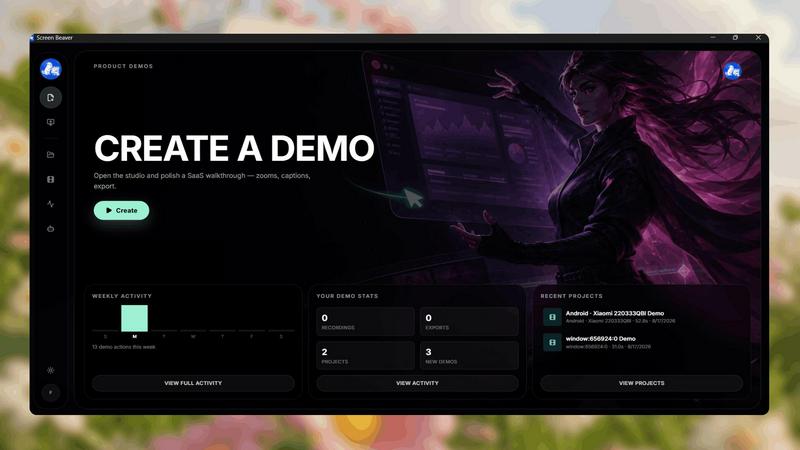
About Screen Beaver
Screen Beaver is a screen recorder built for creating product demos, walkthroughs, tutorials, and showcase videos.
You can use it just like a normal screen recorder: start recording, demonstrate your product, and create your video manually.
But Screen Beaver also works with MCP, allowing AI agents to control the recording workflow. Instead of manually clicking through your product every time you want to create a demo, you can let your AI agent interact with Screen Beaver and automate the recording process.
This makes Screen Beaver useful for developers, founders, and teams who want to create product videos faster and integrate screen recording into automated workflows.
Whether you want complete manual control or want your AI agent to handle the recording, Screen Beaver gives you both options.
Record it yourself. Or let your AI agent do it
Similar to Screen Beaver


AI interview platform to screen resumes, run 10-language voice interviews, and rank top talent automatically.

A free launch checklist for SaaS, apps, AI tools and more. Every step says why it matters and when you can skip it.

Free online screen test — diagnose dead pixels, lines, color issues & flicker. No download.


Free collection of online developer utilities, code formatters, and digital converters designed to streamline your daily workflow.

Discover 50,000+ ready-to-use AI prompts for text, image, and video generation. Save time and create better results with AI.